
If you can't remember your password, you don't need to contact support — you can reset it yourself in under a minute.
From the sign-in page
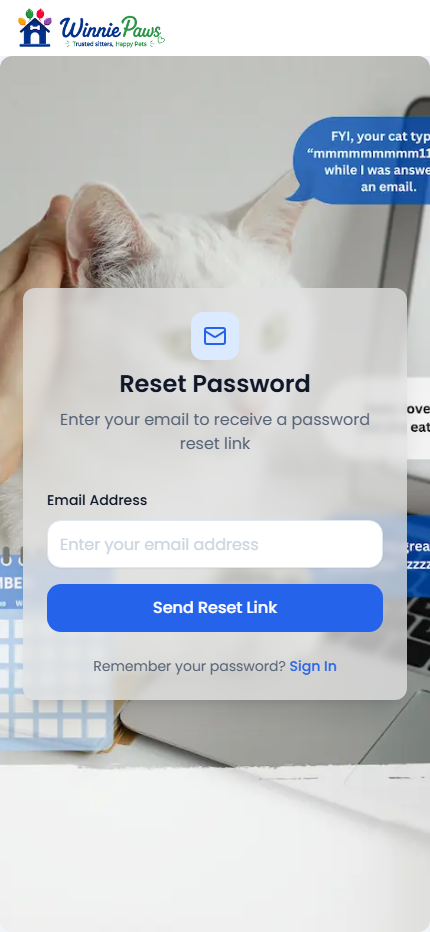
Click Forgot Password below the sign-in form and enter your account email. We'll send a reset link — click it, choose a new password, and you're back in.
While you're already signed in
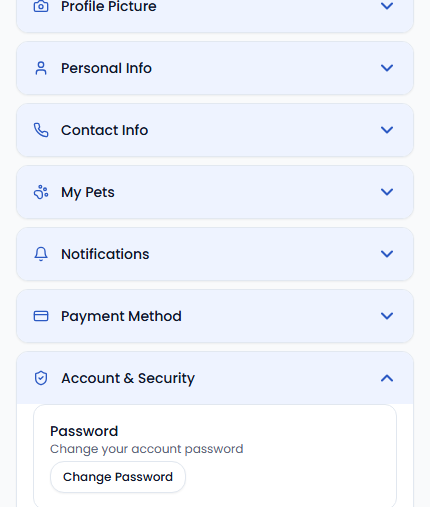
Go to Settings › Account & Security and click Change Password. This sends the same reset link to your account email — WinniePaws never asks for your current password to trigger a change.
Reset links expire after a short window for security. If yours expires before you use it, just request a new one.