Your profile is edited from Settings, and you can preview exactly what owners see with the View public profile link at the top.

Personal Info
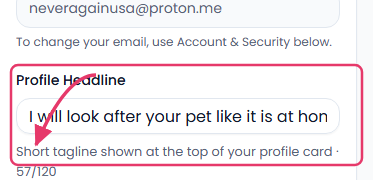
Your Profile Headline is the short tagline shown at the top of your profile card — make it count, since it's often the first thing an owner reads. About Me gives you up to 500 characters for your full introduction, and Languages Spoken lets you flag which languages you're comfortable communicating in.
Services & Rates
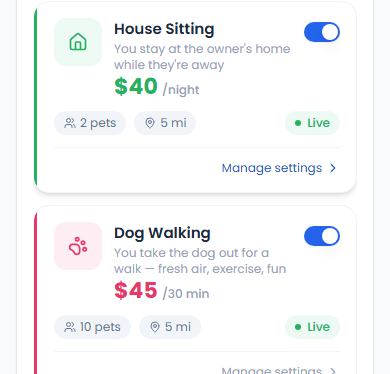
Each service you offer (House Sitting, Dog Walking, Drop-in Visits, and more) has its own card — toggle it Live or off, and set its rate, max pets per booking, and service radius independently.
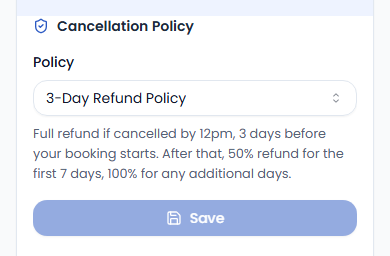
This section is also where you set your Cancellation Policy (1-Day, 3-Day, or 7-Day Refund Policy) — this is what determines the refund an owner gets if they cancel a booking with you. Default is 0 which means owners can cancel at any time.