A few good habits go a long way toward keeping your account safe.
Choosing a strong password
When you create your WinniePaws account, your password must be at least 8 characters and include at least one uppercase letter, one lowercase letter, and one number.
That's the minimum — for real protection, go further:
Add a symbol — not required, but it makes a password meaningfully harder to crack.
Nothing personal or guessable — avoid your name, pet's name, birthday, or your email address itself.
The easiest way to hit all of these at once is a password manager — it can generate and remember a long, random password for you so you never have to.
Password hygiene
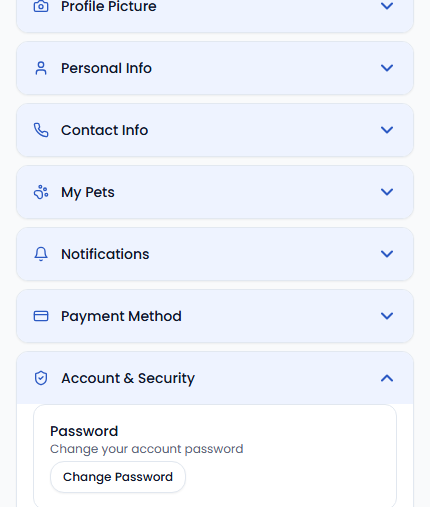
Use a password you don't reuse anywhere else, and change it any time you suspect it may have been exposed — from Settings › Account & Security.
Recognizing real WinniePaws contact
WinniePaws will never ask for your password over email, chat, or phone. If someone claiming to be WinniePaws support asks for your login details or asks you to pay or communicate outside the app, don't respond — report it to support@winniepaws.com instead.
Keep payments on WinniePaws
Booking and paying entirely within the app is what keeps the WinniePaws Guarantee, dispute protection, and support team able to help if something goes wrong. Anyone asking to be paid off-platform is a red flag.