
Once you've found a sitter, head to their profile and tap Request to Book. That opens a six-step wizard — here's what to expect at each one.

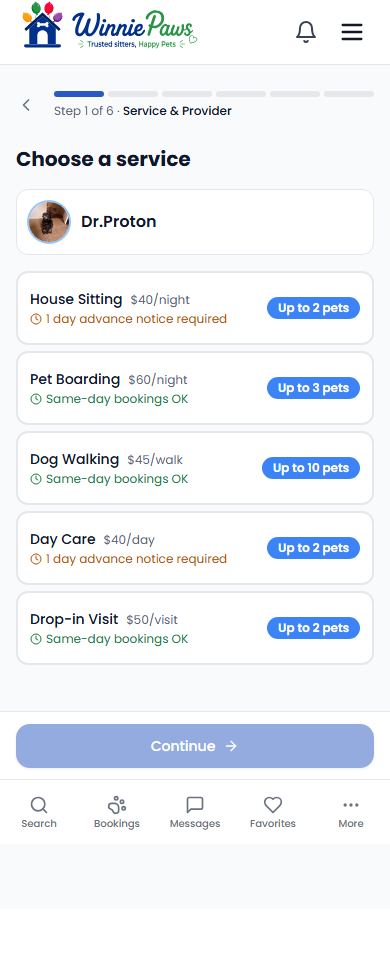
1. Choose a service
Pick from the sitter's active services (boarding, day care, house sitting, drop-in, or walking). Each one shows the rate and whether same-day booking is available or how much advance notice is required.
2. Pick a booking type
Choose One-Time Booking for specific dates, or Regular Schedule if you want this to repeat — see Setting Up a Recurring Booking for that path.

3. Who's coming?
Select which of your pets need care and add any notes for the sitter.

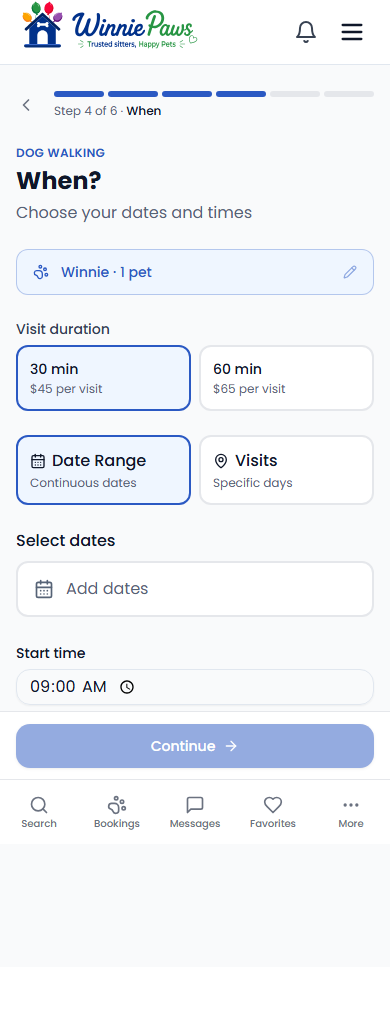
4. When?
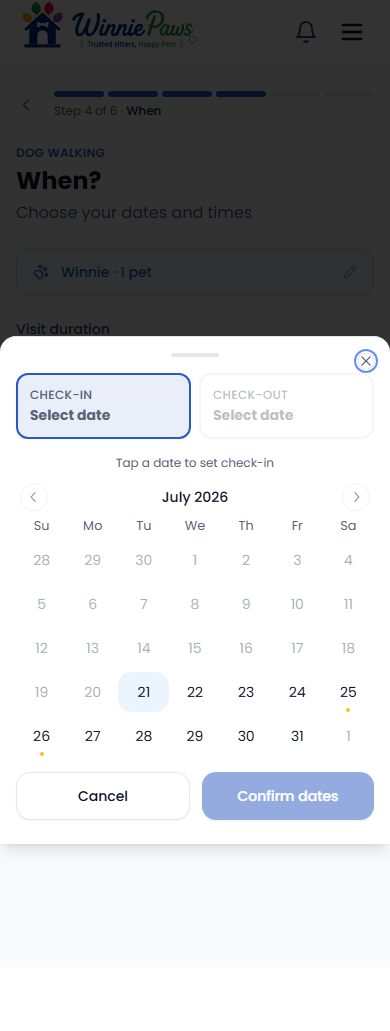
Choose your dates (or specific visit days for walks/drop-ins) and your start/end times, or mark them as flexible. Tapping the date field opens a check-in/check-out calendar — dates the sitter has blocked or is fully booked for are called out immediately, with a one-tap way to jump to the next open window.
5. Review & pricing
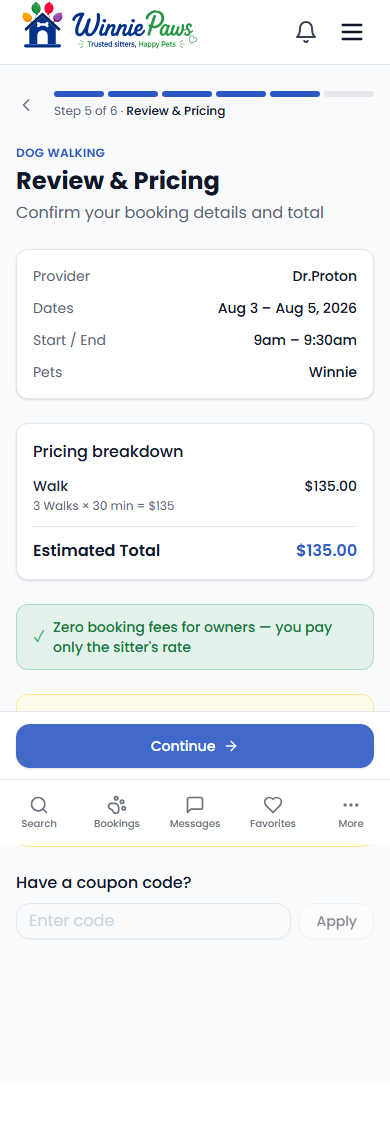
Check the full breakdown — you can also add a coupon code here — and see the sitter's cancellation policy before continuing.
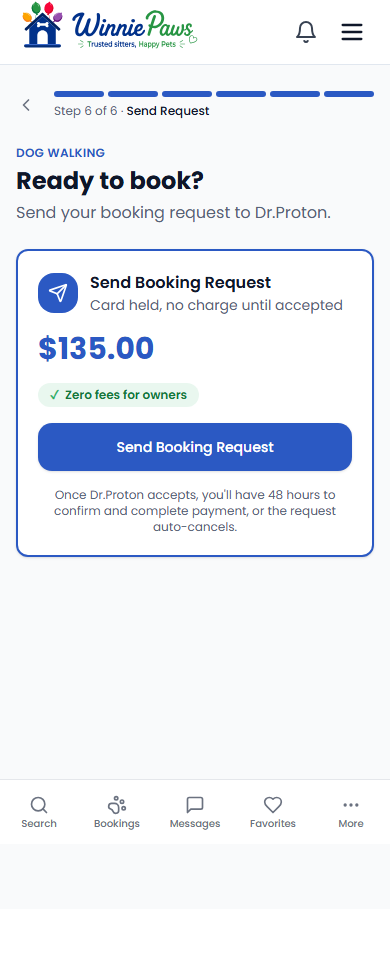
6. Send your request
Send Booking Request authorizes and holds your card — it does not charge it. Your sitter has 24 hours to accept; only once they do does payment actually go through. If they don't respond in time, the request simply expires and the hold is released. Prefer to meet first? Schedule Meet & Greet is free and takes no card at all.
After sending a request, you'll see it under your bookings as pending. You'll be notified the moment your sitter responds — no need to keep checking.