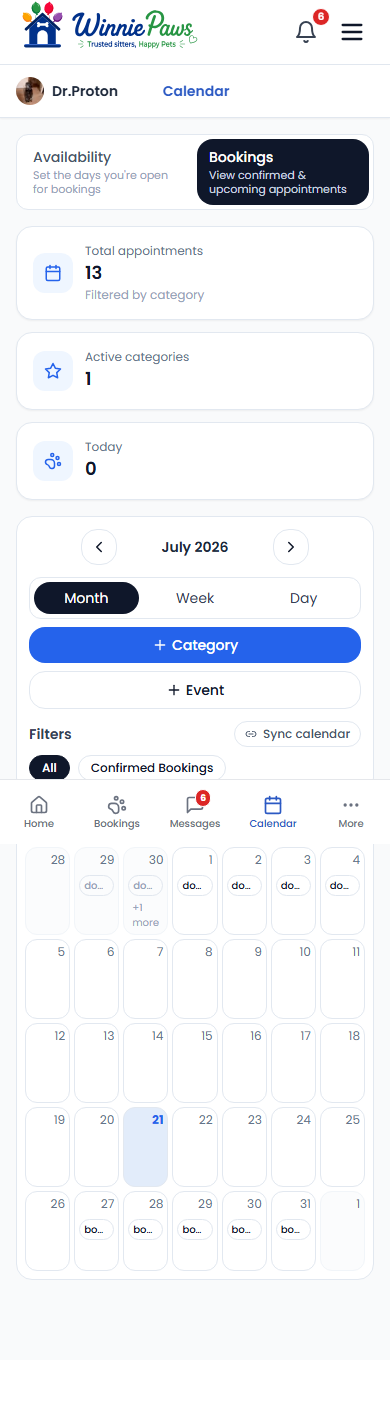
Calendar › Bookings shows every confirmed appointment in a full calendar view, with quick stats — total appointments, active categories, and how many are happening today — right at the top.
Switching views
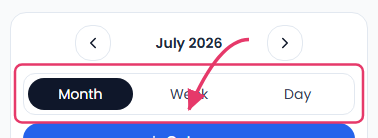
Toggle between Month, Week, and Day views depending on how much detail you need, and use the All / Confirmed Bookings filters to control what shows up on the grid.
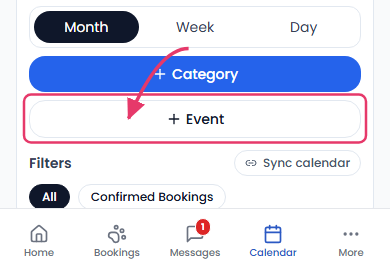
Adding your own events
Use Add category to create your own event types (personal appointments, vet visits, anything outside of WinniePaws bookings), then Add event to block that time on your calendar. You can also Sync calendar to connect an external calendar so everything stays in one place.