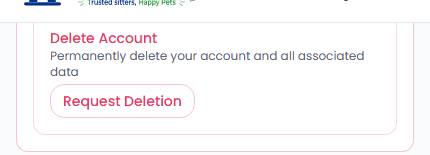
You can request account deletion any time from Settings › Danger Zone.
How it works
Request Deletion opens a pre-filled email to our support team. This is intentional — a real person reviews every deletion request, since we need to check for open bookings, pending payouts, or an active dispute before closing an account. We'll confirm with you once it's handled.
Before you request deletion
Cancel or complete any open bookings first — an account with active bookings can't be closed mid-stay.
Providers: withdraw any pending balance in your Stripe payout account before requesting deletion.
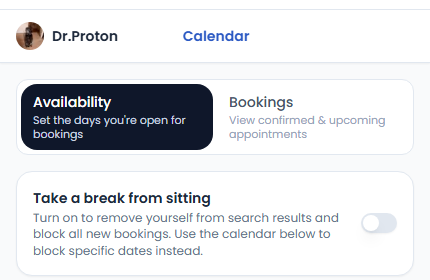
Just need a break, not a full account closure? Providers can use Take a break from sitting on the Calendar tab of their dashboard instead — it hides you from search and blocks new bookings without deleting anything.