
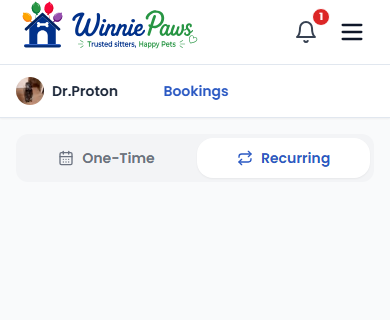
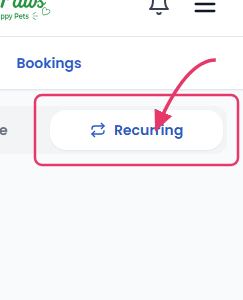
Repeat clients live under Bookings › Recurring, separate from one-time requests since they follow their own accept/decline and billing rules.
Accepting a schedule
A new recurring schedule request waits for your accept or decline just like a one-time booking. Once accepted, WinniePaws generates the upcoming individual visits automatically every night — you don't need to accept each occurrence separately.
Pausing, skipping, and cancelling
Going on a break? Pause a schedule to stop new visits from being generated without cancelling the relationship entirely. Need to skip just one date — a single vacation day or holiday? Use the skip option for that date only; the rest of the schedule continues untouched.
Cancelling a single upcoming visit within an active schedule refunds the owner in full for that date and leaves the rest of the schedule running. Cancelling the entire schedule is more final: visits in the next 14 days are still charged as normal, and everything after that is cancelled.